 Eyno

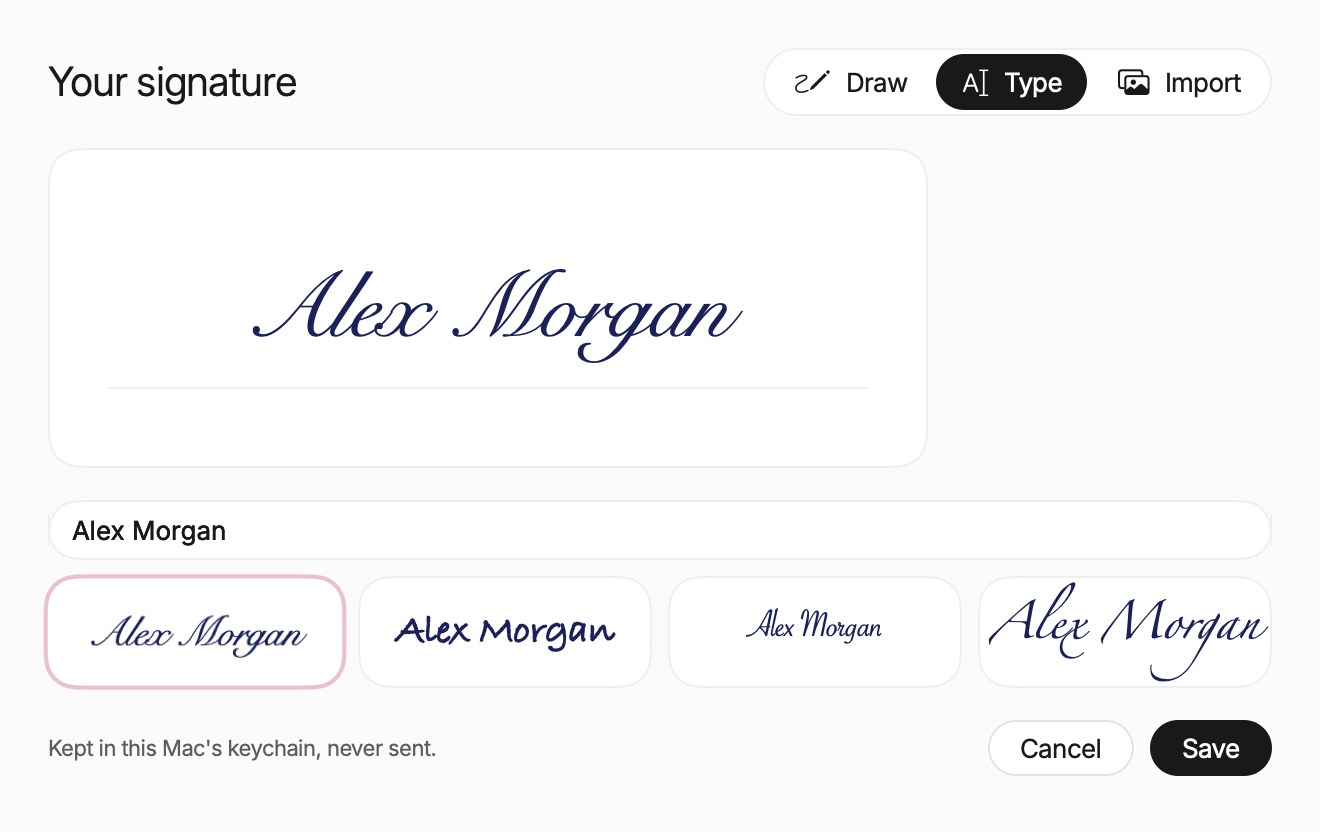
In Draw you sign inside the frame with the mouse or trackpad, and Clear starts over. Import takes a photo or scan of your signature on white paper and makes the background transparent, so no white box shows on the page.
The signature keeps its proportions when you move it or resize it from its corners. Once one is on the document, the sidebar header reads Signed. ⌘ Z undoes, and Paper saves in place like any Mac document.
Signatures stay in this Mac's keychain and are never sent. The trash button, Delete signature, removes one. The sidebar header also reads Everything stays on this Mac, and no document is uploaded. To send a form out for signing, the Form Field tool adds a signature field, the place where someone will sign. Paper runs on macOS 15 or later.