 Eyno
Download
Eyno Show · video demos
A screen recorder for Mac with zooms and subtitles
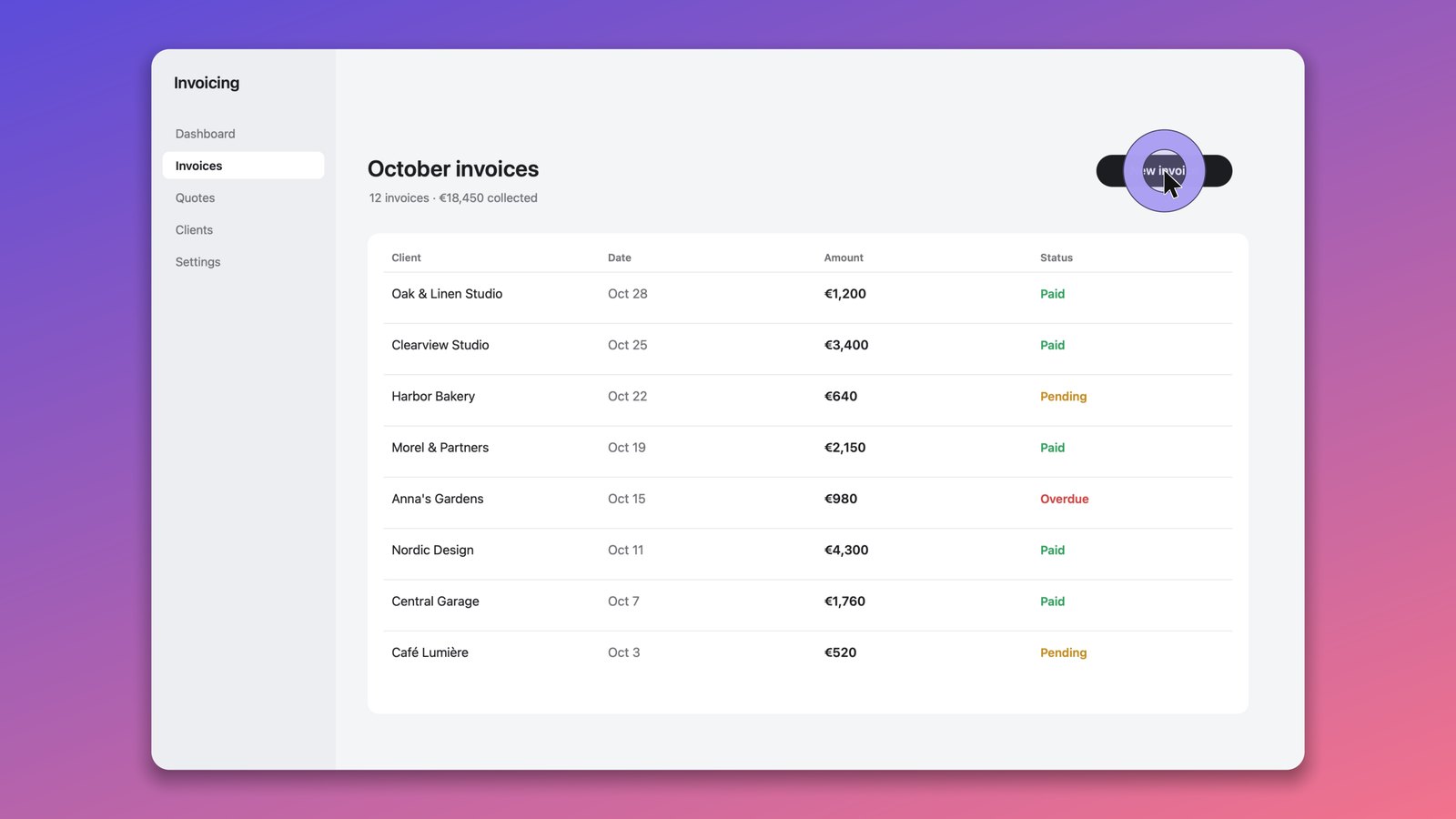
Eyno Show is a screen recorder for Mac made for video demos. It records the screen, a window or a connected iPhone, then zooms in on your clicks, sets the window on a background, cleans up your voice and writes the subtitles. When you stop recording, the zooms and the background are already in place, and you adjust what you like before exporting.
What Eyno Show does
Show records the entire screen, one window, an area you draw or the screen of an iPhone connected to the Mac. The camera and the microphone are optional. ⌥ Shift ⌘ R starts a recording from any app, so you don't have to bring Show to the front first. The video stays on your Mac while Show prepares the edit.
Automatic zooms
The picture moves in on the spot where you click and follows the action. The pointer is smoothed, and the zooms can be adjusted afterward in their tab.
Background
The window gets rounded corners and a shadow and sits on a background. Like the rest, it can be changed after recording.
Sound
Show isolates your voice from room noise, levels the volume and shortens the silences, so the pauses where you looked for a button don't drag on.
Subtitles
Transcribed on the Mac itself, with no upload. They can be translated, then exported as SRT or VTT for YouTube.
Titles and annotations
Intro and outro title cards with your logo. Arrows, boxes, numbered steps and blurred areas on top of the video.
Keys on screen
The keyboard shortcuts you press can appear in the video, so viewers see them instead of guessing. Ordinary typing stays hidden by default.
Do you need a screen recorder for Mac, or is ⌘ Shift 5 enough?
For a quick clip, the Mac covers it. ⌘ Shift 5 records the entire screen or a selected portion, with a 5 or 10 second timer, and QuickTime Player opens the file to trim it and export it at 1080p. ⌘ Control Esc stops the recording, and QuickTime can even film an iPhone plugged into the Mac through File > New Movie Recording. To show a coworker a bug, that's all you need.
Both tools record the screen exactly as it is. No zoom on the button you click, no background, no voice cleanup and no subtitles. To present a product, train a client or publish a tutorial, you'd normally add those in a video editor afterward. Show is screen recording software for Mac that prepares them while you record. That's the part it takes off your hands.
Add subtitles to a screen recording
Subtitles are written from your voice on the Mac, without sending the video anywhere. Translate them if your viewers read another language, then export them as an SRT or VTT file. YouTube accepts both formats as a caption track, and viewers who watch with the sound off can still follow every step of the demo.
One recording, several formats
The same demo can leave as MP4 from 720p to 4K or as a GIF for a help page. Presets cover YouTube, LinkedIn and X, and the frame can be horizontal, vertical or square. A long tutorial for YouTube and a short vertical clip for LinkedIn can both come out of a single recording session, with the same zooms and the same clean voice. You record once.
Record a demo video in three steps
- RecordThe entire screen, a window, an area or a connected iPhone, with the camera and microphone if you want them.
- PolishZooms follow your clicks and the window sits on a background. Adjust anything afterward, tab by tab.
- ExportMP4 from 720p to 4K, a GIF, or a preset for YouTube, LinkedIn or X.
Sound, trimming and file size with the Mac's own tools are covered in our guide on how to screen record on a Mac with ⌘ Shift 5 and QuickTime. A .mov file that won't open somewhere becomes an MP4 with Eyno Convert, the file converter in the suite. For still images with arrows and blur, Eyno Draw captures and annotates screenshots.
Included in the Eyno subscription
Eight Mac apps, one price
Eyno Show is part of Eyno. You pay €5.99 a month or €59.90 a year, VAT included, for Show and the seven other apps in the suite. The trial lasts 7 days, needs no credit card and opens all eight apps. Show needs macOS 15 or later. Before installing this screen recorder for Mac, you can try Show in the demo Mac on the home page.
Questions
Before your first recording
Are my videos uploaded to be transcribed?
No. Eyno Show transcribes the subtitles on the Mac itself, so the video isn't sent to a server for that. You decide where the exported file goes.
Can Eyno Show record my iPhone screen?
Yes. Besides the entire Mac screen, a window or an area, Show records the screen of an iPhone connected to the Mac.
Why does my Mac ask for permission before recording?
macOS asks the first time an app records the screen. Turn Eyno Show on in System Settings > Privacy & Security > Screen & System Audio Recording, then quit and reopen it.
Which formats can I export?
MP4 from 720p to 4K, or a GIF. Presets cover YouTube, LinkedIn and X, in horizontal, vertical or square format. Subtitles export separately as SRT or VTT.
How much does Eyno Show cost?
Eyno Show is part of the Eyno subscription, €5.99 a month or €59.90 a year for all eight apps. The trial lasts 7 days and needs no credit card.